
⭐⭐⭐⭐⭐ 4.7/5 based on 340+ reviews

✔️ 30-day free trial


Your reviews mean a lot to us.
Excellent 4.7 / 5
Innovation made for creatives
We created SmartSketch™ for those who refuse to choose between the comfort of paper and the power of digital. Our mission is to simplify the workflow of artists, designers, and students around the world.


SMART SKETCH™ Tab Duo Pro
SMART SKETCH™ Tab Duo Pro
✨ Instant Sync (Paper ➔ Smartphone)
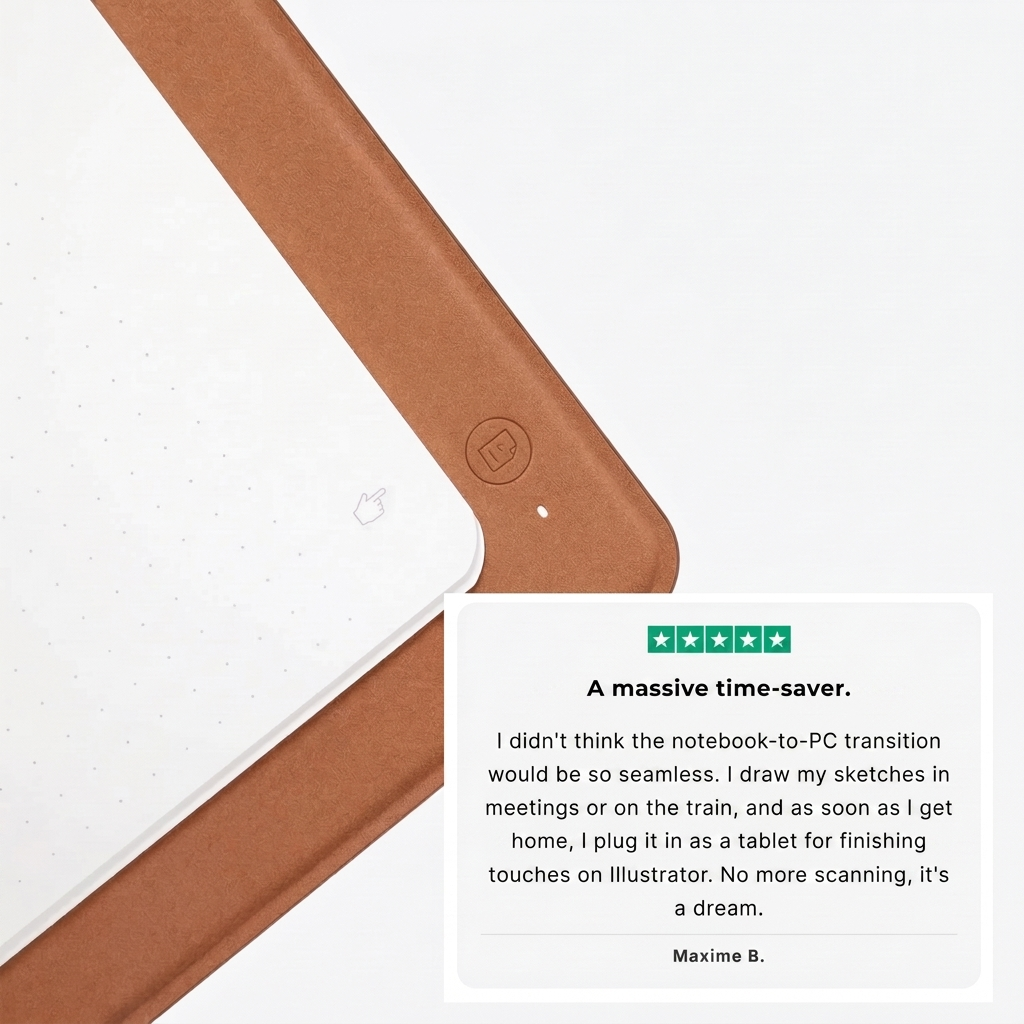
🔄 Revolutionary Duo Mode: A sketchbook by day, a professional drawing tablet by night
💻 Plug & Play for PC/Mac: Connect it, flip it over, and draw directly in Photoshop or Illustrator
✍️ Real Paper Feel: Keep the touch of paper while creating high-precision digital content


Join the SMART SKETCH movement
-

Motion Designer Freelance
-

Architecture Student
-

Digital & Manga Illustrator
-

Content Creator & Bullet Journal Artist
-

Comic Book Drawing Enthusiast


Born from frustration, designed for inspiration
It all started in a small design studio. We were tired of having to choose between the irreplaceable feel of paper and the speed of digital. Scanning our sketches, cleaning up lines, losing hours in post-production… the joy of creating was disappearing behind heavy technical processes.
So we imagined SmartSketch™. More than just a tool, it’s a bridge between two worlds. Our team of engineers and artists spent two years perfecting the Duo Pro technology to make sure no line, no detail, and no nuance would ever be lost. Today, we’re proud to support thousands of creatives who, like us, simply want to draw without limits.
Frequently Asked Questions
F.A.Q.
Does the pen need batteries or charging?
Does the pen need batteries or charging?
No, the pen uses electromagnetic induction technology. It requires no batteries and no charging. You’ll never run out of power in the middle of creating.
Can I use any type of paper?
Can I use any type of paper?
Yes! Unlike other notebooks, you can place any sheet of paper or standard notebook on the surface — A5 size is recommended. The high-precision sensor will digitize your strokes through the pages.
Which software is compatible with Duo Mode?
Which software is compatible with Duo Mode?
Once connected to your computer, it’s recognized as a standard drawing tablet. It works seamlessly with Photoshop, Illustrator, Lightroom, InDesign, Affinity, and even note-taking apps like OneNote.
How does smartphone syncing work?
How does smartphone syncing work?
Download our free app for iOS & Android. Your drawings are transferred in real time via Bluetooth. You can then export them in one click as JPG, PDF, or SVG vector files.
What exactly is included in the package?
What exactly is included in the package?
Each box includes: 1x SmartSketch™ Tab Duo Pro, 1x battery-free precision pen, 5x replacement nibs, 1x PC/Mac connection cable, and a French user manual.